تفاصيل المنتج
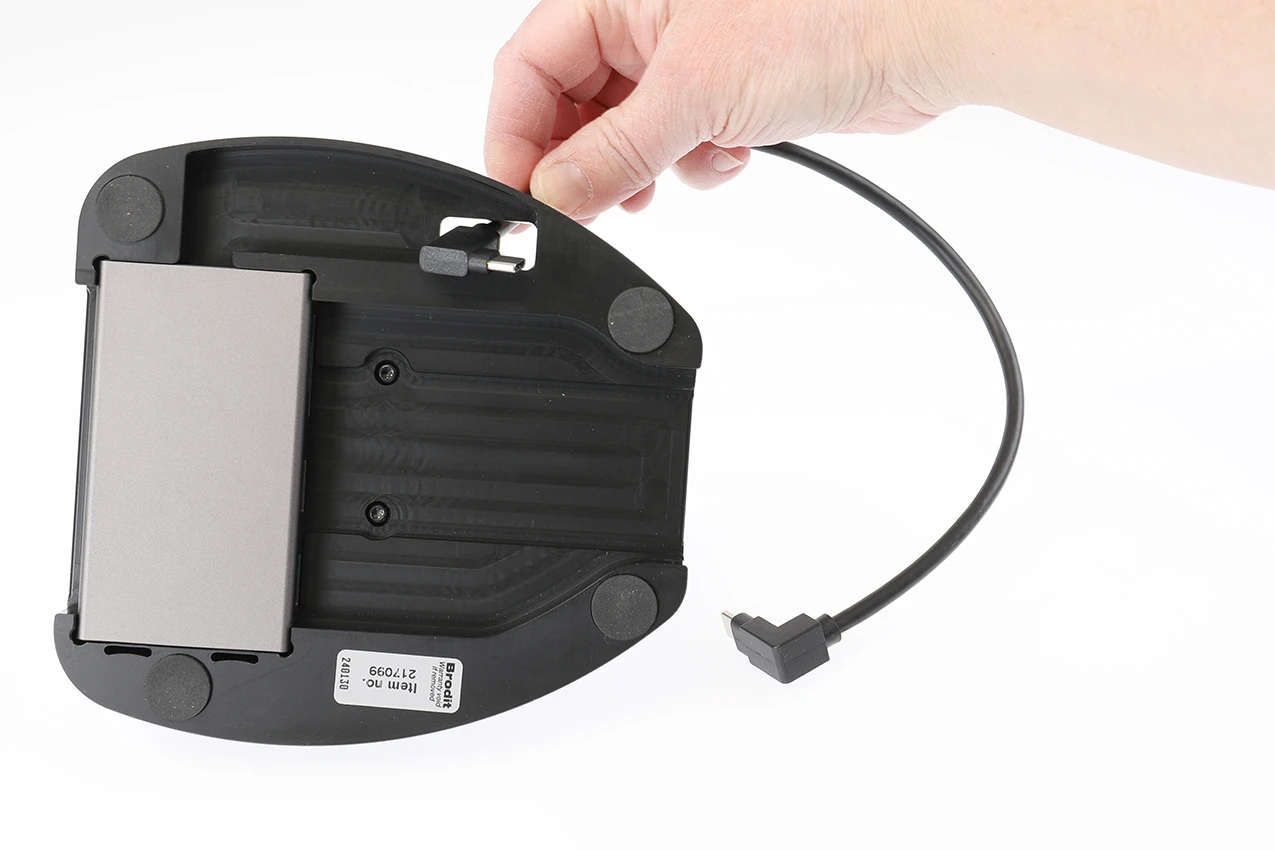
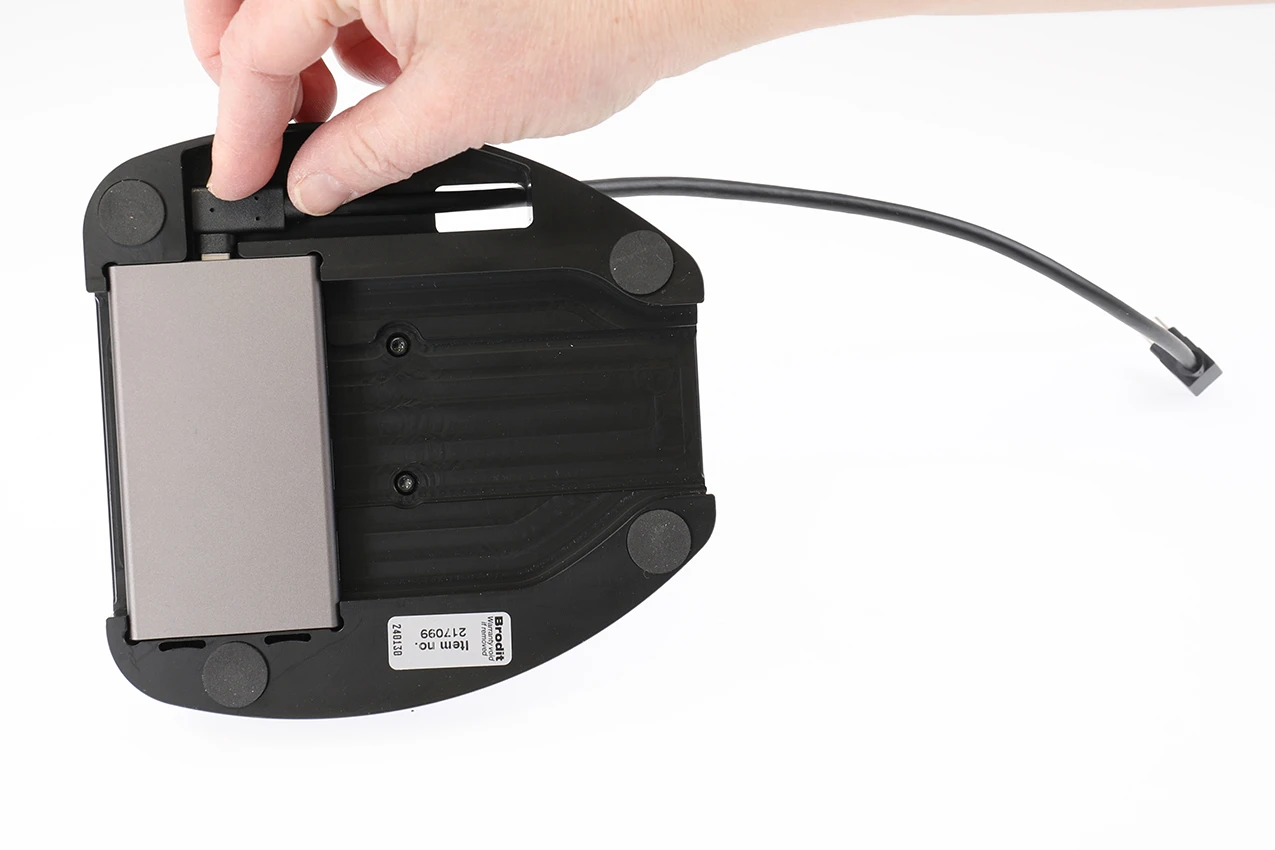
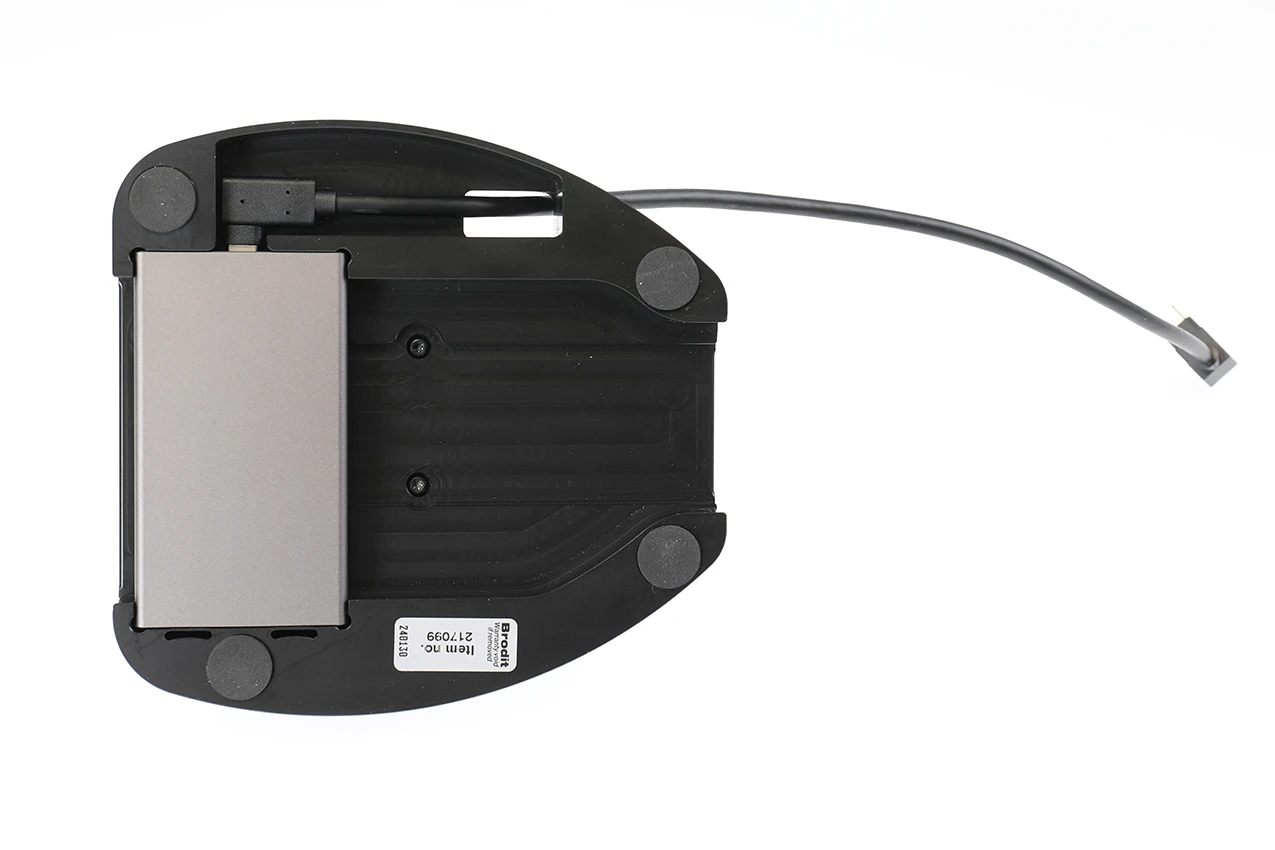
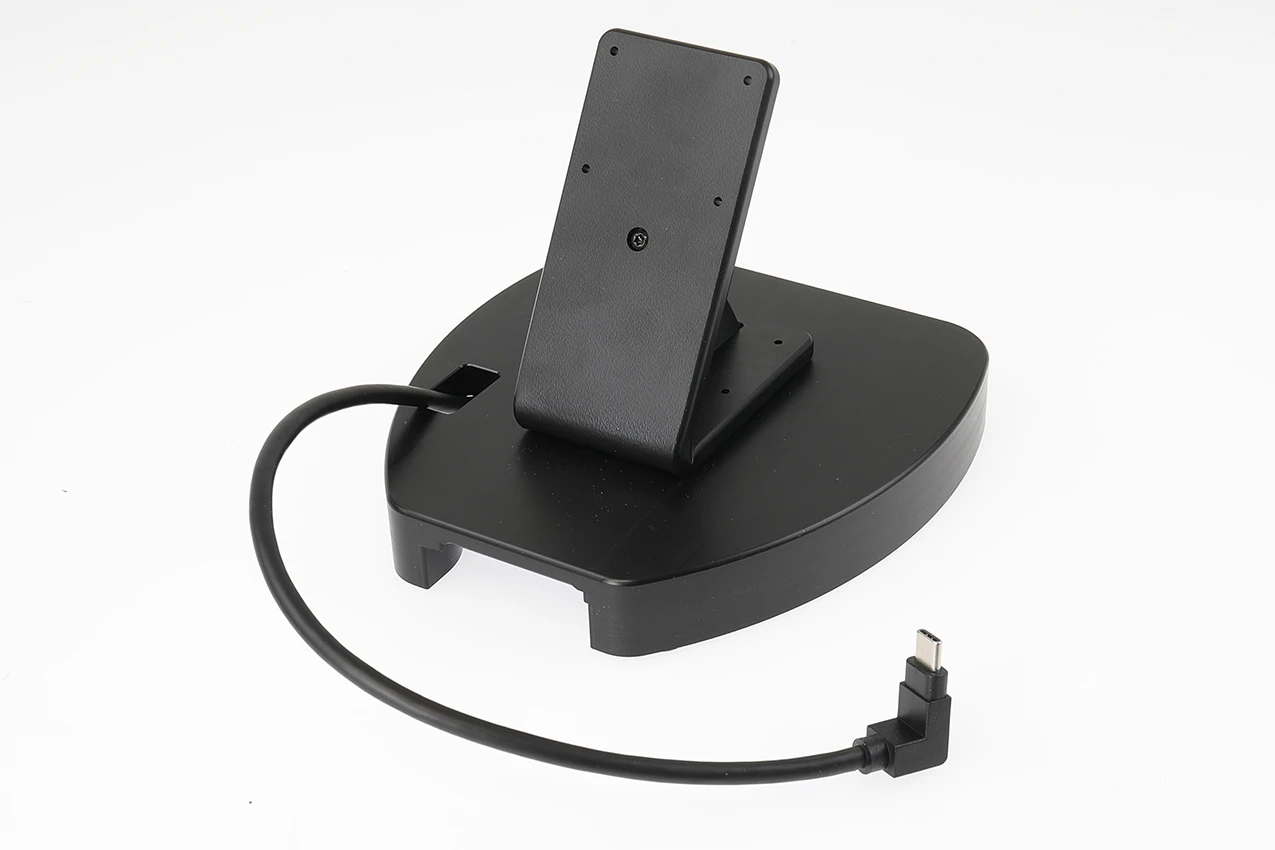
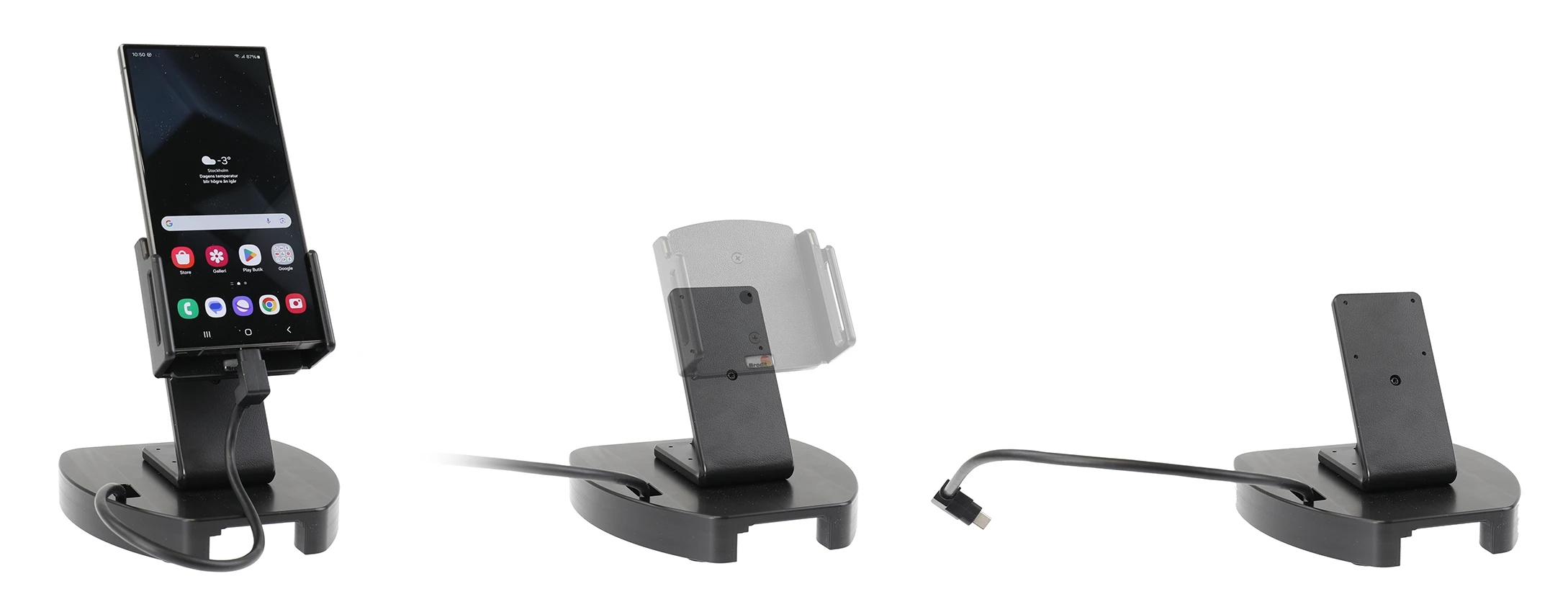
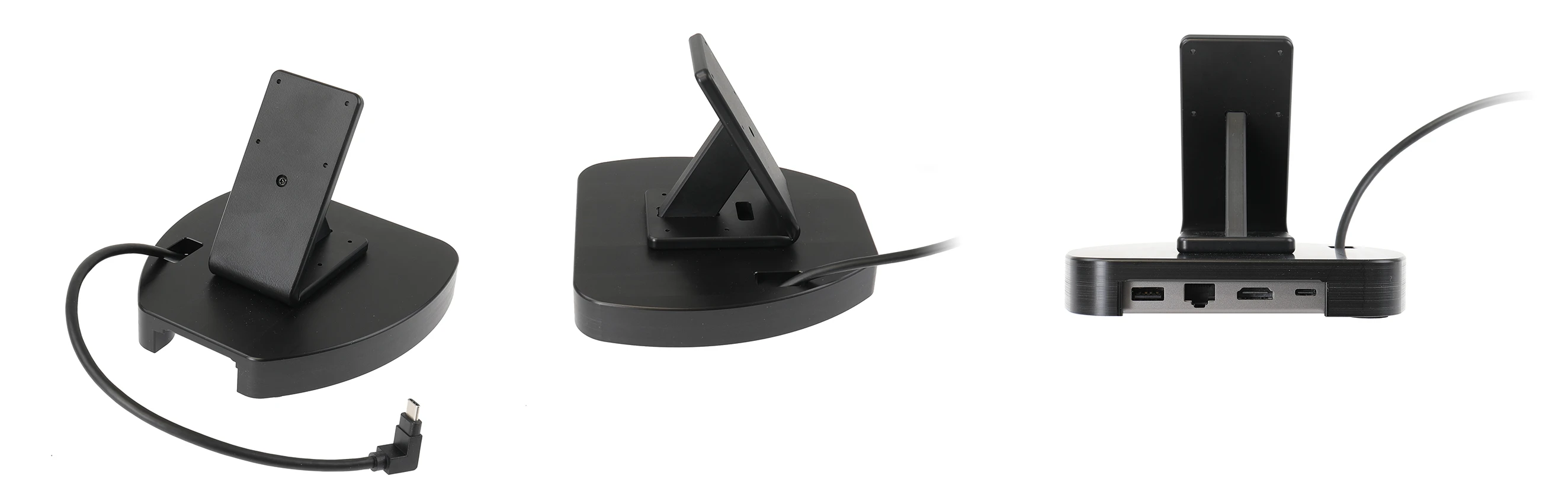
Table Stand
6 شاهد الناس هذا العنصر خلال الأسبوع الماضي
الكمية:
Start your workday with a freshly charged unit! This is the solution for you who want to have charging to your unit in the office.The tablestand offers a convenient charging solution and does not take much space. The device is easy to place into the tablestad. The charging starts automatically when you put the device in the stand. Use with any holder for mobile phones, PDAs, etc.
The tablestad has an Uni Hub USB-C 8 in 1. Our hub can extend one USB-C port to 8 ports and help you solve the problem of insufficient USB ports on the device. With the hub, you can charge your device while enabling data transfer. Connect USB C devices to your device with this USB C hub, e.g. USB stick, mouse, keyboard, speakers, scanner, game controller, hard drive and many other devices. The following outputs are available on the Hub Ethernet 1 Gbps, HDMI 4K, 2 x USB 3.0 | USB 2.0, USB C PD 100W, SD/Micro SD Card Reader.
دليل تركيب المنتج
رقم الخطوة 1
Thread the USB-C male to male adapter through the base of the table stand.
رقم الخطوة 2
Connect the included USB-C male to male adapter to the UNI hub, making sure the USB-C adapter fits properly into the UNI hub.
رقم الخطوة 3
The holder and UNI hub is in place.
رقم الخطوة 4
The holder and UNI hub is in place.

John Doe
Exceptional sound quality and comfort
Lorem ipsum dolor sit amet, consectetur adipiscing elit. Vestibulum at lacus congue, suscipit elit nec, tincidunt orci. Phasellus egestas nisi vitae lectus imperdiet venenatis. Suspendisse vulputate quam diam, et consectetur augue condimentum in.

Jane Smith
Great headphones, battery could be better
Lorem ipsum dolor sit amet, consectetur adipiscing elit. Vestibulum at lacus congue, suscipit elit nec, tincidunt orci. Phasellus egestas nisi vitae lectus imperdiet venenatis.

Michael Johnson
Impressive noise cancellation
Lorem ipsum dolor sit amet, consectetur adipiscing elit. Vestibulum at lacus congue, suscipit elit nec, tincidunt orci. Phasellus egestas nisi vitae lectus imperdiet venenatis. Suspendisse vulputate quam diam.