تفاصيل المنتج
Mounting Accessories
43 شاهد الناس هذا العنصر خلال الأسبوع الماضي
الكمية:
Keep your GPS device in a holder attached to the dashboard, and you will always have it within easy reach! You can easily take the device with you when leaving the vehicle. The holder can be adjusted in order to avoid light reflection on the screen.
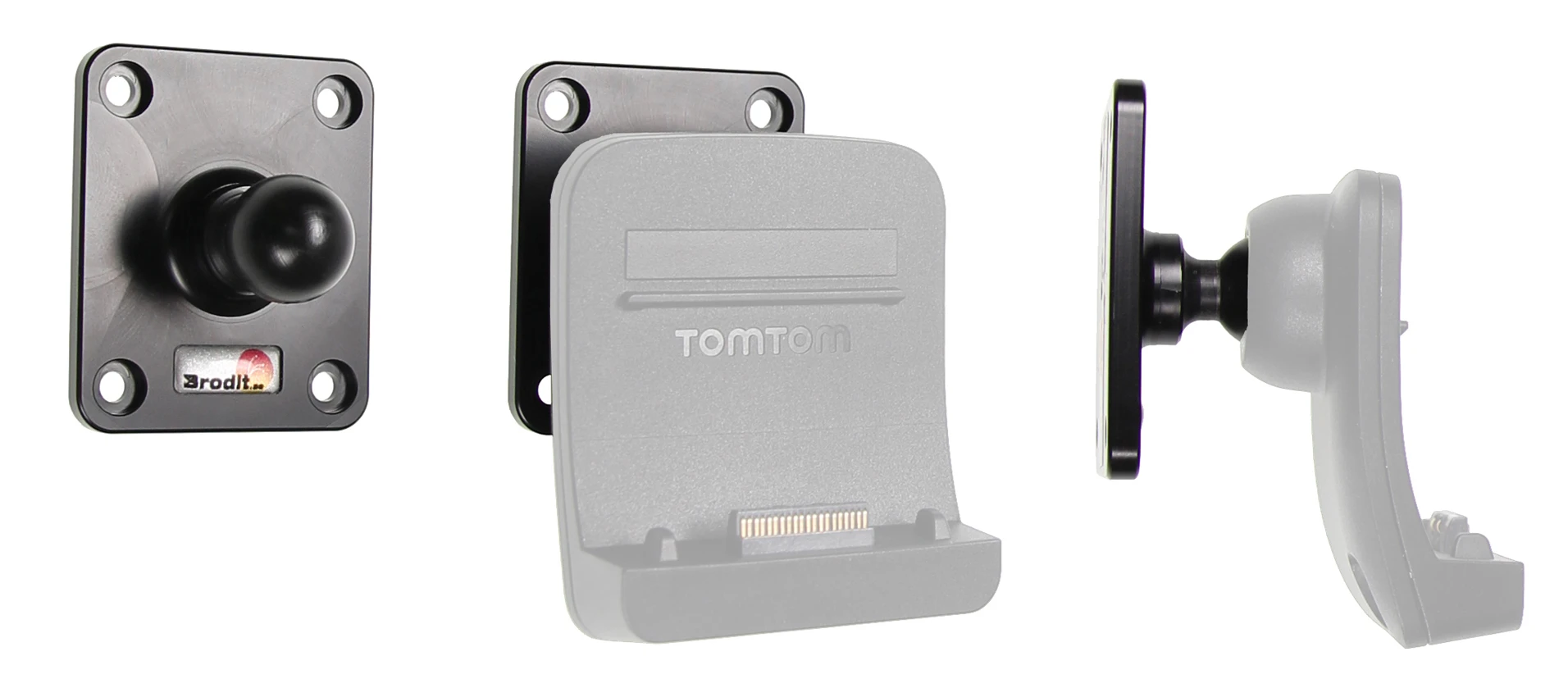
With this tilt swivel mount you can have your GPS installed on the dashboard. You use the original mount that comes with the GPS and press it onto the tilt swivel mount, which you can attach onto the ProClip Mounting Platform. This will give you a firm, neat installation.
Please Note that the original TomTom Dock is not included.
دليل تركيب المنتج
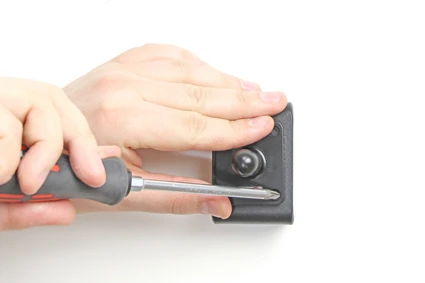
رقم الخطوة 1
Place the tilt swivel mount in the desired position. Screw the mount into place with the enclosed screws.
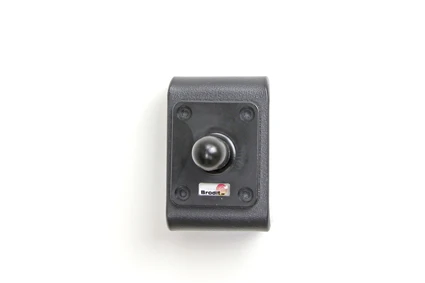
رقم الخطوة 2
The tilt swivel mount is in place. This mount fits a number a devices, the installation procedure may vary but the principal is similar for all devices.
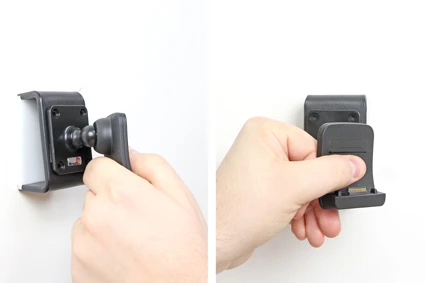
رقم الخطوة 3
For the installation, you will use the original mount that comes with the GPS and press it onto the tilt swivel mount. Place the original mount by the tilt swivel mount so the tilt swivel fits. Press the original mount onto the tilt swivel mount, press until you feel it is properly in place.
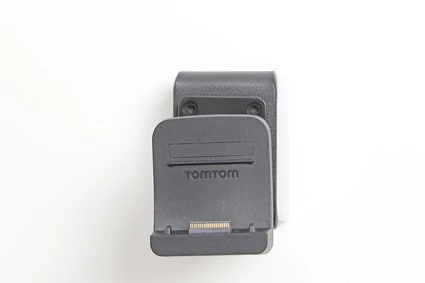
رقم الخطوة 4
The mount is in place.

John Doe
Exceptional sound quality and comfort
Lorem ipsum dolor sit amet, consectetur adipiscing elit. Vestibulum at lacus congue, suscipit elit nec, tincidunt orci. Phasellus egestas nisi vitae lectus imperdiet venenatis. Suspendisse vulputate quam diam, et consectetur augue condimentum in.

Jane Smith
Great headphones, battery could be better
Lorem ipsum dolor sit amet, consectetur adipiscing elit. Vestibulum at lacus congue, suscipit elit nec, tincidunt orci. Phasellus egestas nisi vitae lectus imperdiet venenatis.

Michael Johnson
Impressive noise cancellation
Lorem ipsum dolor sit amet, consectetur adipiscing elit. Vestibulum at lacus congue, suscipit elit nec, tincidunt orci. Phasellus egestas nisi vitae lectus imperdiet venenatis. Suspendisse vulputate quam diam.