تفاصيل المنتج
Mount
6 شاهد الناس هذا العنصر خلال الأسبوع الماضي
الكمية:
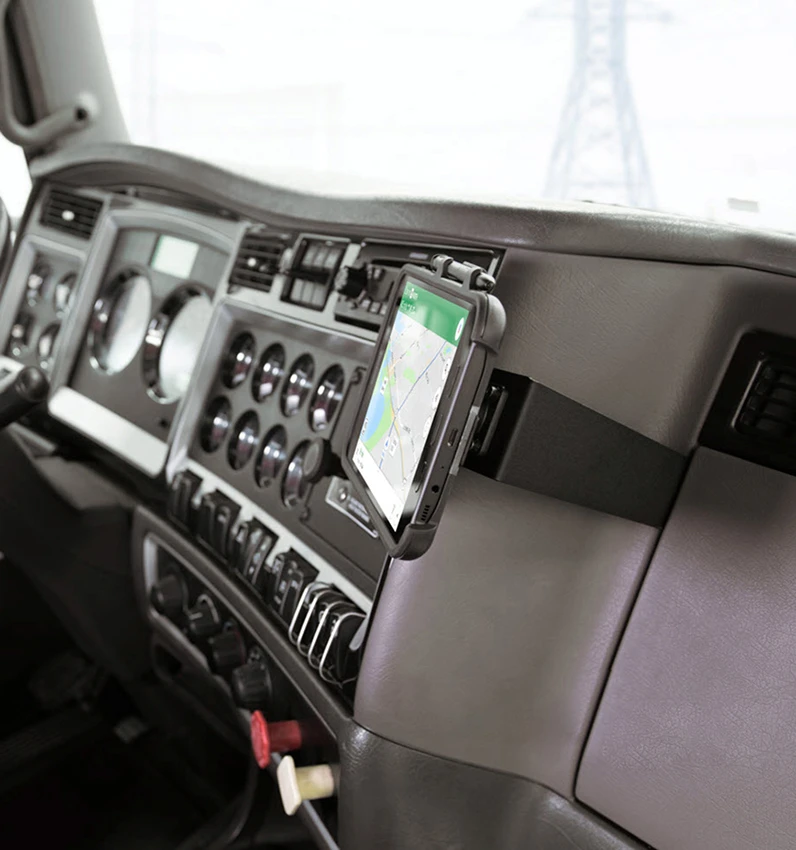
Keep your tablet installed while driving and you will always have it within easy sight and reach! With 4-prong adapter for use with any OtterBox uniVERSE tablet case. Simply slide your tablet into place with a one-hand grip. For easy attachment with a perfect, firm fit. Neat, discreet and convenient.
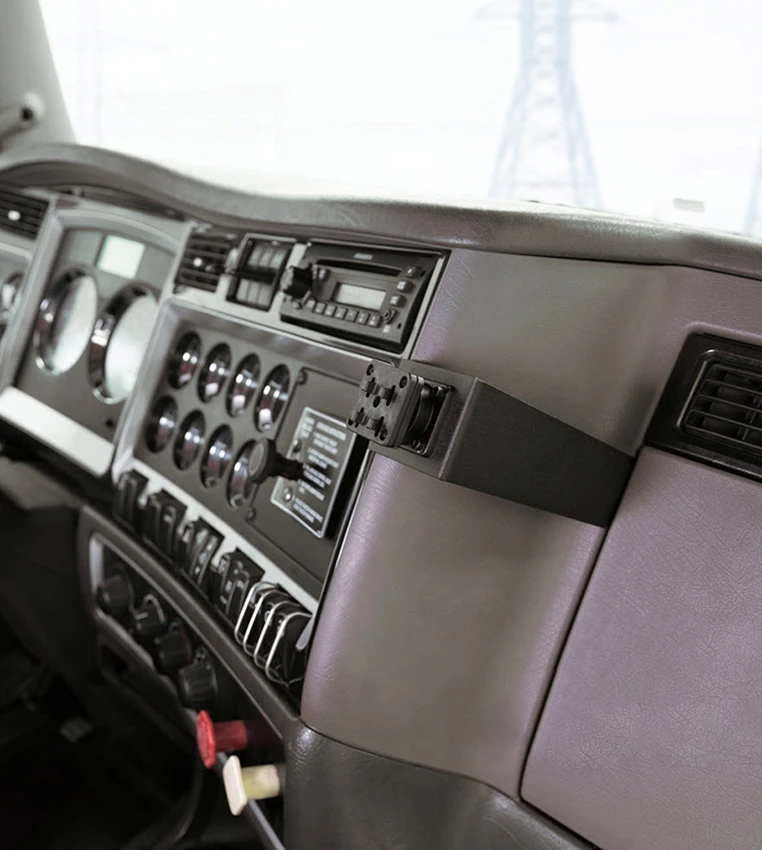
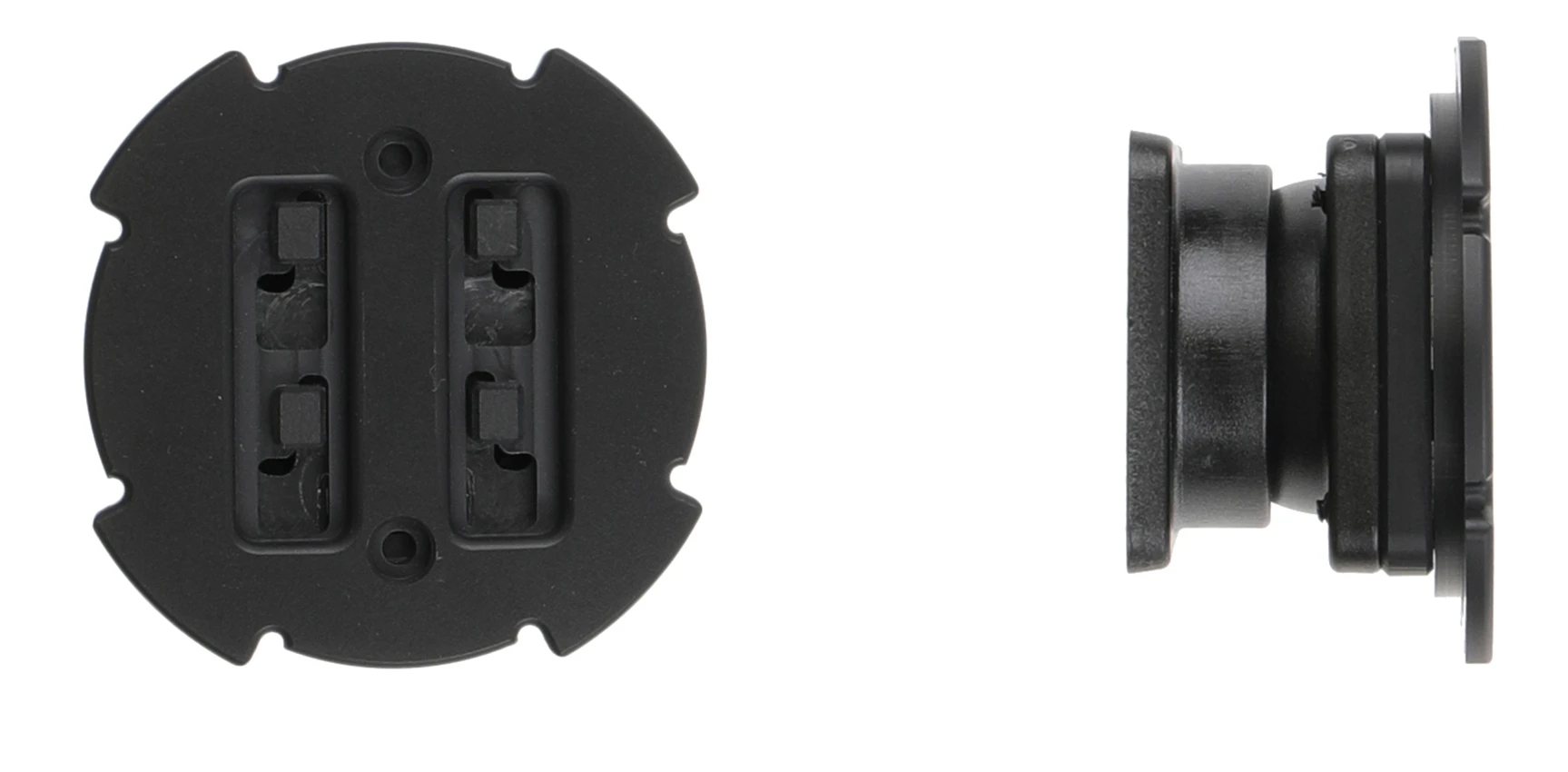
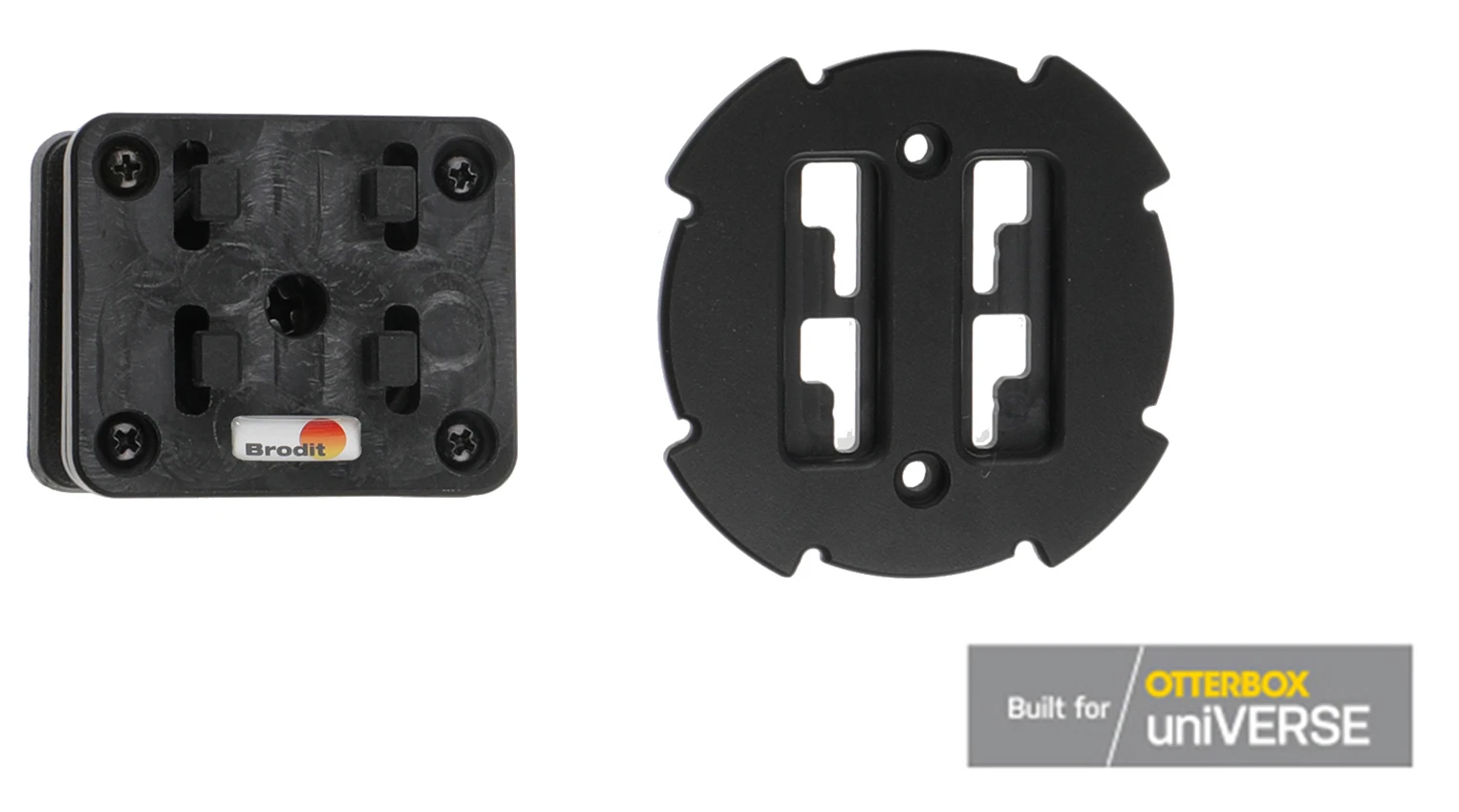
The mount is equipped with a tilt swivel so you can easily adjust the angle for better viewing, or witch easily between portrait and landscape mode. Tilts 17° and swivels 360°. Mounting plate 42x50 mm with 4 mm AMPS-holes. Made of high grade black ABS/Acetal plastic. Made in Sweden. Attach onto a Pedestal mount.
دليل تركيب المنتج
رقم الخطوة 1
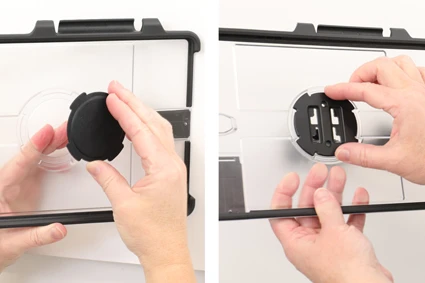
Place the round 4-prong plate into place in the center hole in the uniVERSE tablet case, the large parts of the holes pointing downward.
رقم الخطوة 2
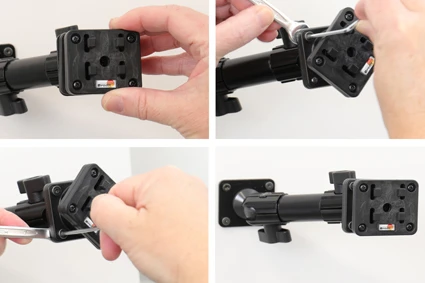
Place the mount onto the desired position and screw it into place with the enclosed screws. Adjust the center screw so the mount is firmly in place, but still can be adjusted.
رقم الخطوة 3
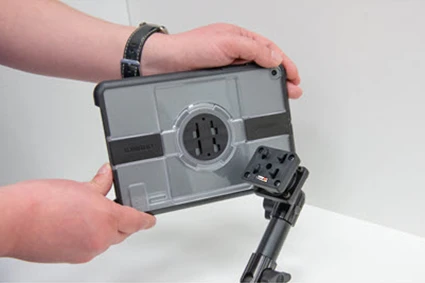
To mount your device with uniVERSE case: Place the device onto the mount so the 4-prong plate fits. Press forward and slide the device downward onto the 4-prong mount until it is locked into place. To remove the device with uniVERSE case: Slide the device upward and out from the mount.
رقم الخطوة 4
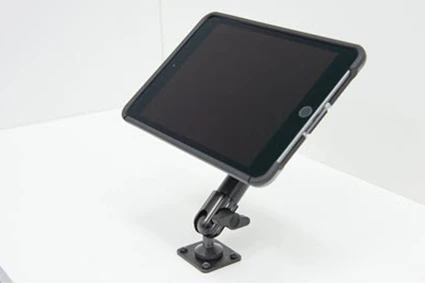
The mount is in place.

John Doe
Exceptional sound quality and comfort
Lorem ipsum dolor sit amet, consectetur adipiscing elit. Vestibulum at lacus congue, suscipit elit nec, tincidunt orci. Phasellus egestas nisi vitae lectus imperdiet venenatis. Suspendisse vulputate quam diam, et consectetur augue condimentum in.

Jane Smith
Great headphones, battery could be better
Lorem ipsum dolor sit amet, consectetur adipiscing elit. Vestibulum at lacus congue, suscipit elit nec, tincidunt orci. Phasellus egestas nisi vitae lectus imperdiet venenatis.

Michael Johnson
Impressive noise cancellation
Lorem ipsum dolor sit amet, consectetur adipiscing elit. Vestibulum at lacus congue, suscipit elit nec, tincidunt orci. Phasellus egestas nisi vitae lectus imperdiet venenatis. Suspendisse vulputate quam diam.