تفاصيل المنتج
Mount
78 شاهد الناس هذا العنصر خلال الأسبوع الماضي
الكمية:
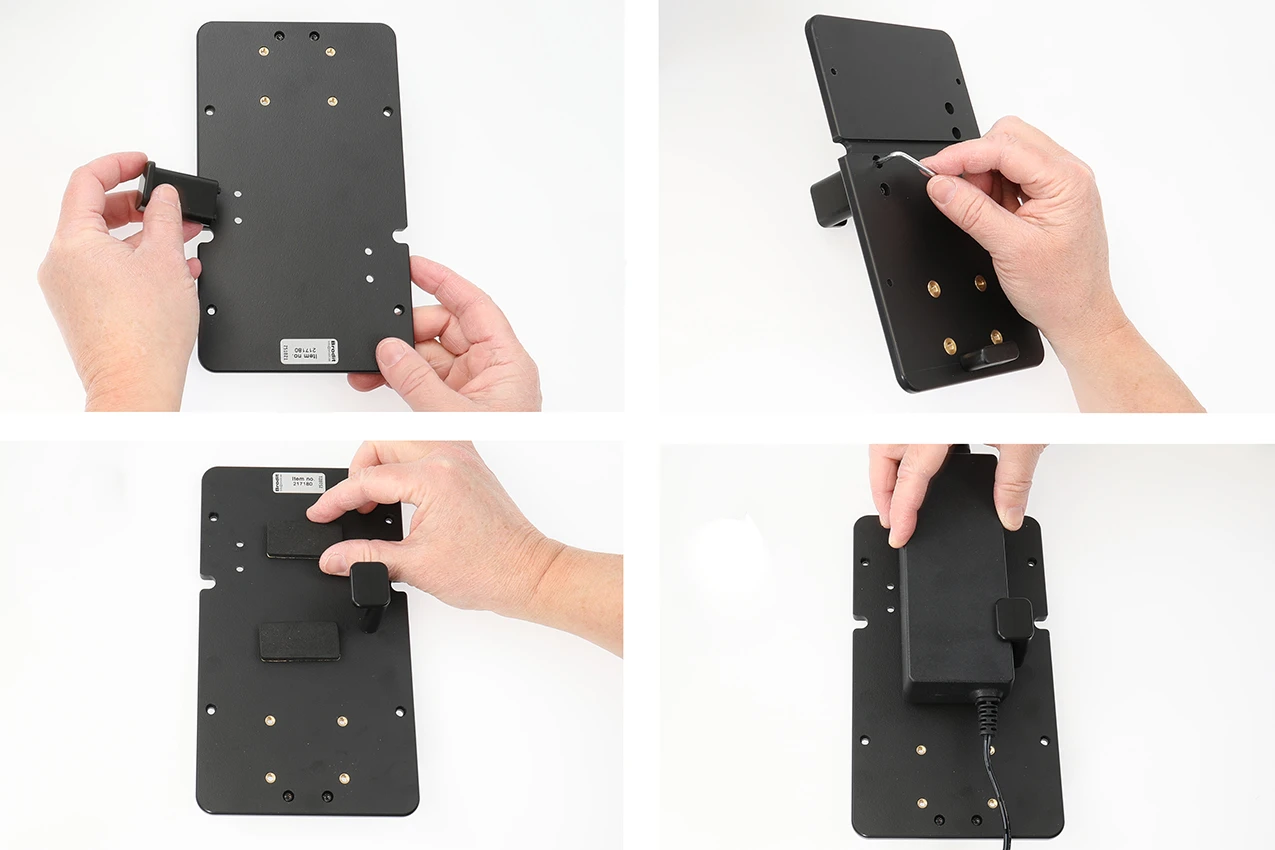
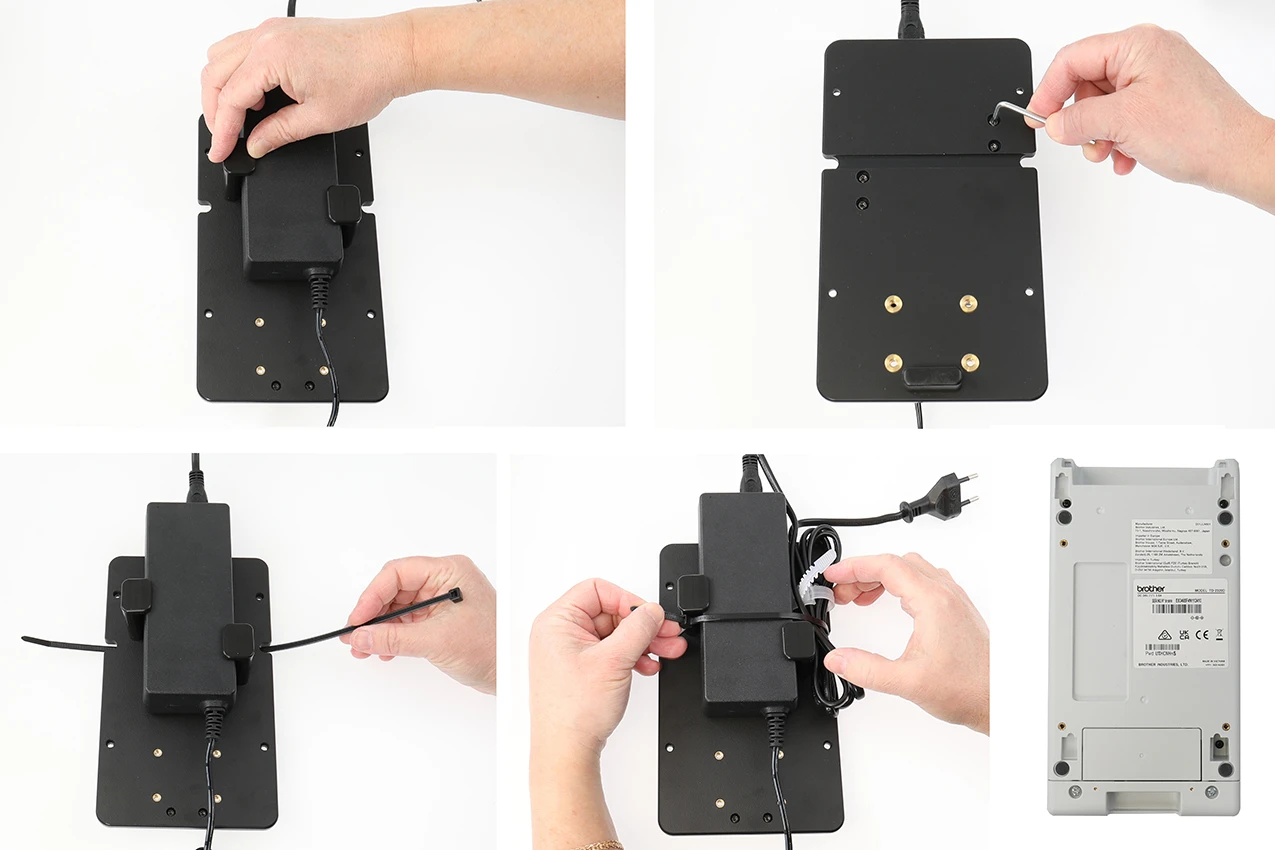
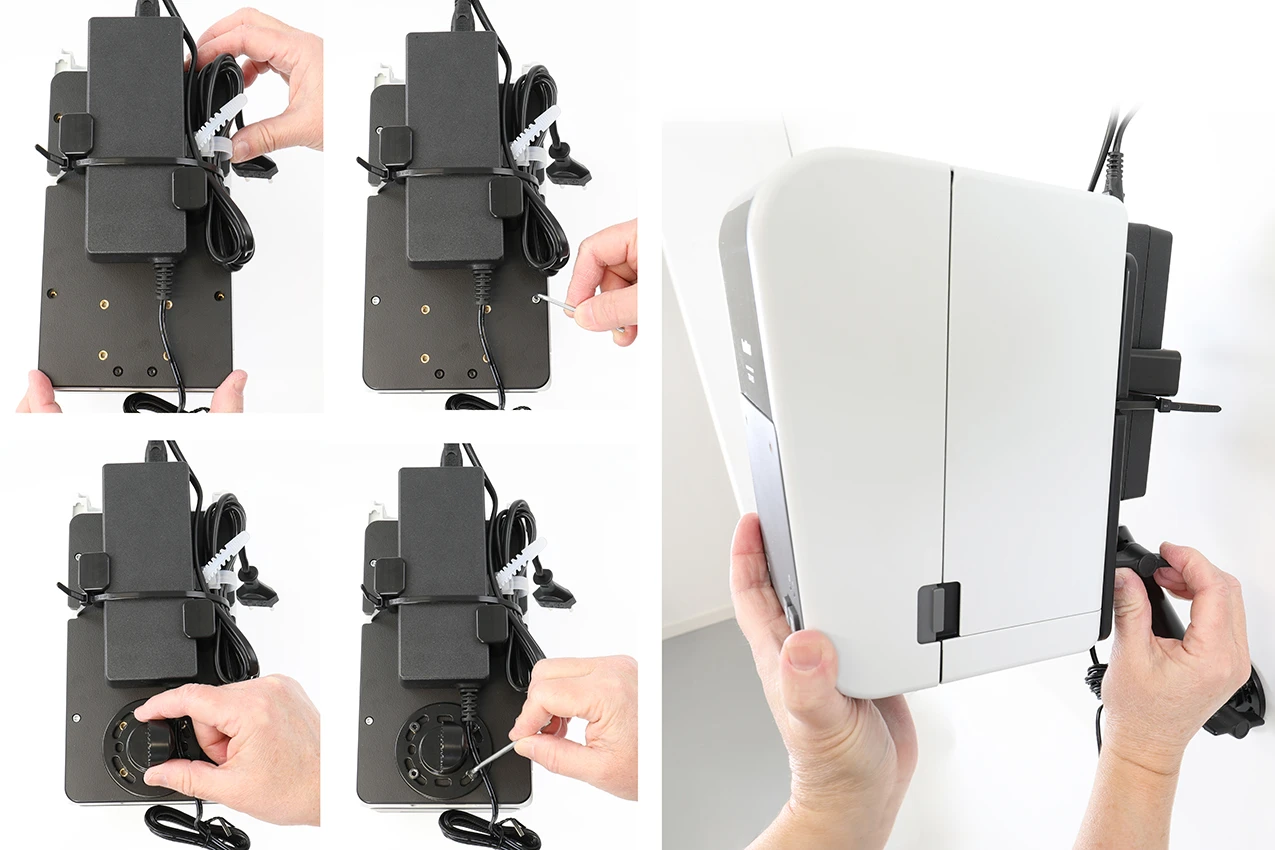
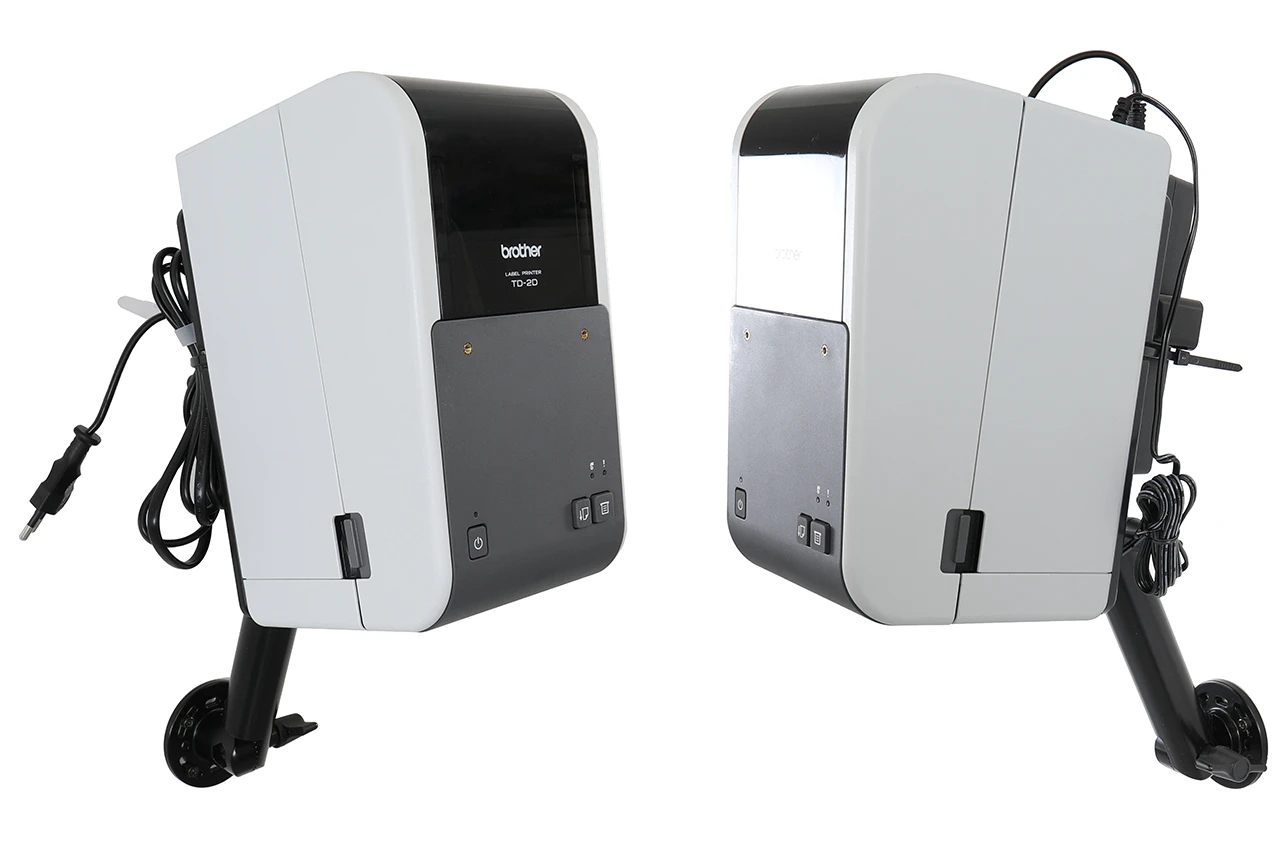
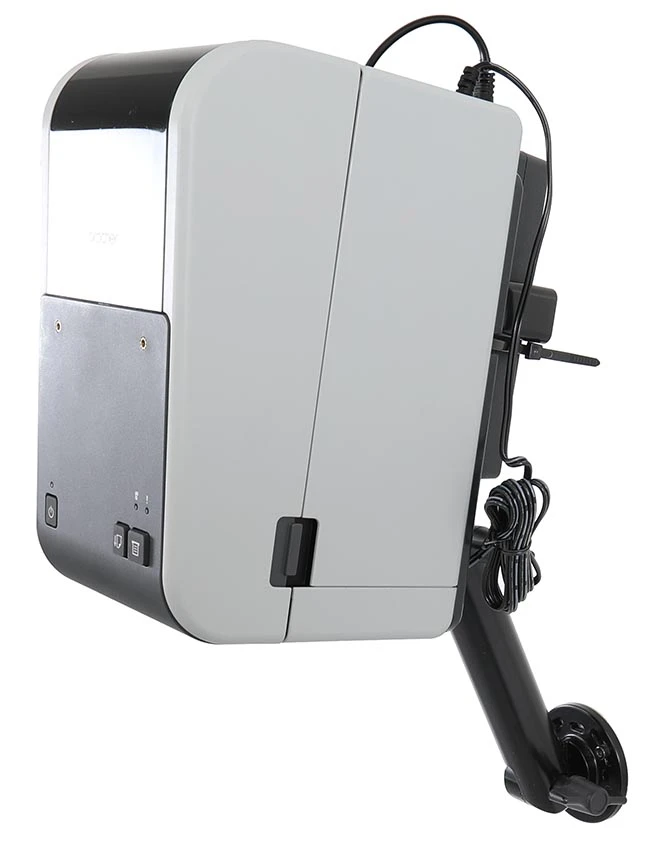
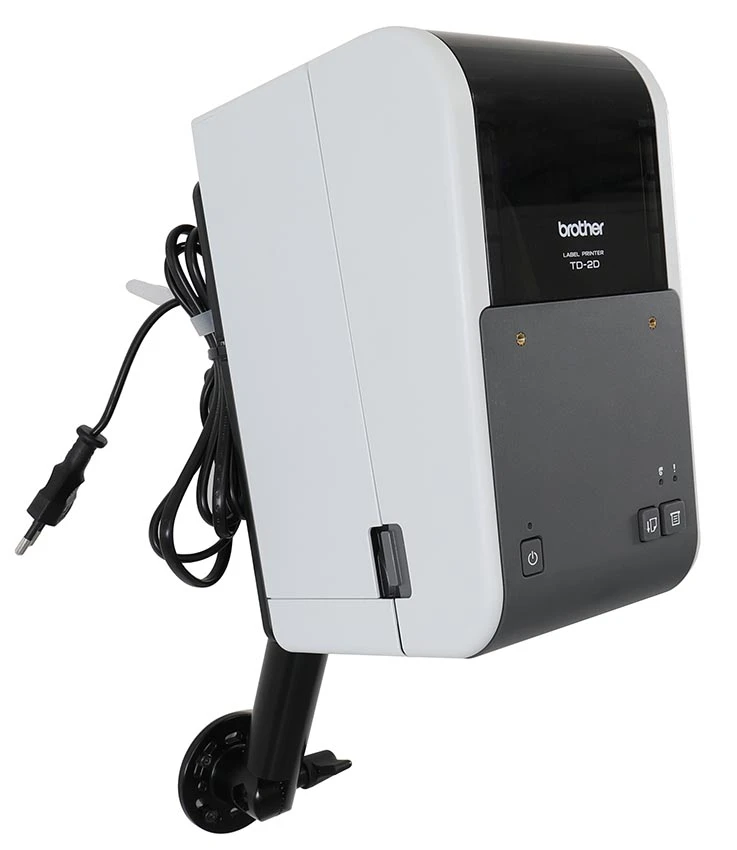
This printer mount offers a smart, stable, and space-efficient solution for installing your printer. The design has been carefully developed to combine functionality and convenience, making it easy to create a more organized and ergonomic workspace.
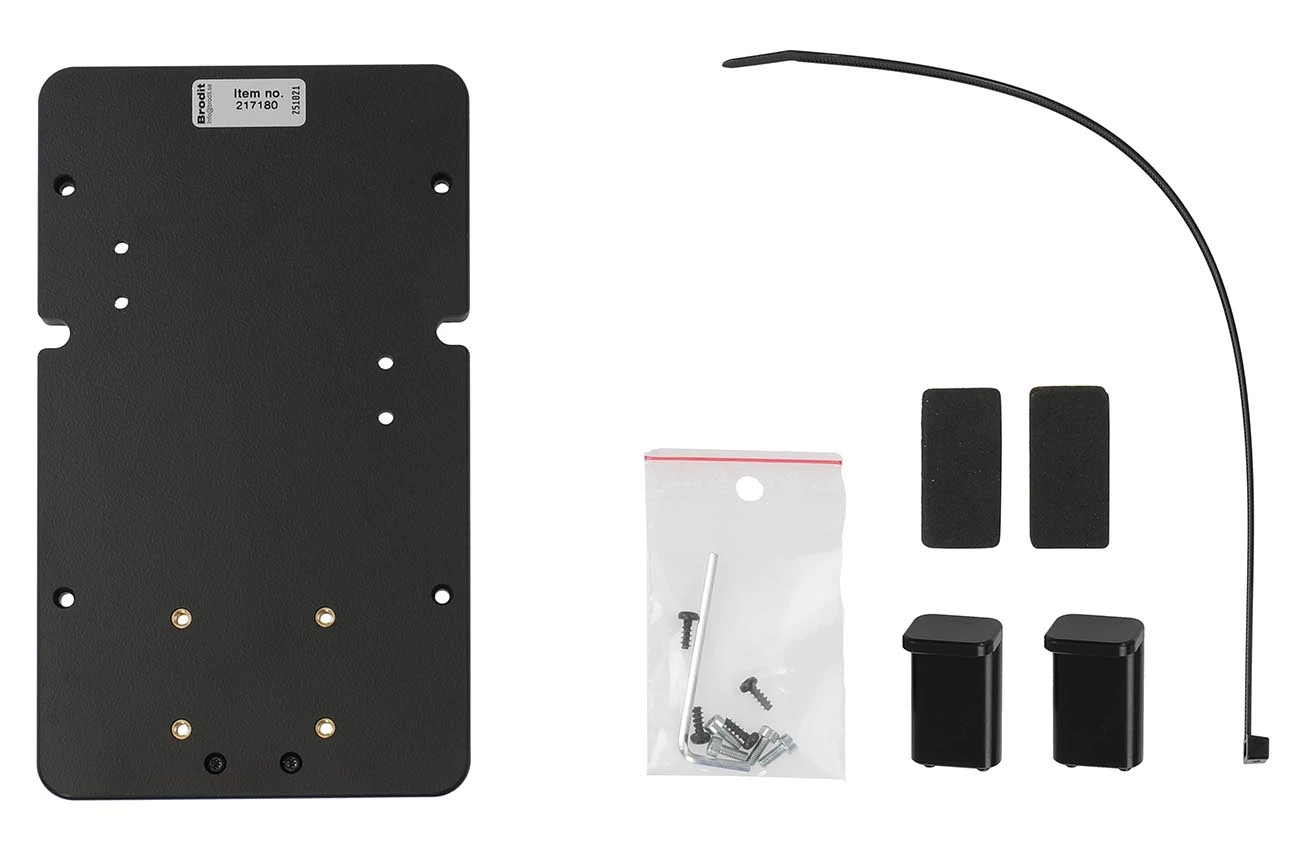
The mount adds only 7 mm in thickness, allowing the printer to sit close to the surface and take up minimal space – perfect for workplaces where every centimeter counts. The robust design ensures that the printer remains securely in place. Another advantage is the ability to secure cables neatly and safely, reducing the risk of tangling, wear, and accidental disconnections, while giving the installation a more professional and organized appearance.
The mount features an AMPS hole pattern, allowing for easy and flexible installation. It can be quickly attached to a pedestal mount on a pipe, rod, or any flat surface, depending on your needs and working environment.
Manufactured from high-quality ABS/Acetal plastic, the mount provides excellent strength, dimensional stability, and long service life. Color: black. Made in Sweden.

John Doe
Exceptional sound quality and comfort
Lorem ipsum dolor sit amet, consectetur adipiscing elit. Vestibulum at lacus congue, suscipit elit nec, tincidunt orci. Phasellus egestas nisi vitae lectus imperdiet venenatis. Suspendisse vulputate quam diam, et consectetur augue condimentum in.

Jane Smith
Great headphones, battery could be better
Lorem ipsum dolor sit amet, consectetur adipiscing elit. Vestibulum at lacus congue, suscipit elit nec, tincidunt orci. Phasellus egestas nisi vitae lectus imperdiet venenatis.

Michael Johnson
Impressive noise cancellation
Lorem ipsum dolor sit amet, consectetur adipiscing elit. Vestibulum at lacus congue, suscipit elit nec, tincidunt orci. Phasellus egestas nisi vitae lectus imperdiet venenatis. Suspendisse vulputate quam diam.